

Digital invitations
 Digital invitations
Invite everyone with one link
Beautiful invitation cards for your Nikah, Gaye Holud, Walima, birthday or any family celebration. Add your details, then share it on WhatsApp or Messenger.
FREE Every invitation, no payment needed
What are you celebrating?
Browse all invitationsHow it works
Pick. Personalise. Share.
Your invitation is ready in a few minutes. No printing, no waiting, no design skills needed.
Step 1: Pick a design
Choose from beautiful cards for birthdays, weddings, Nikah, Gaye Holud and more.
Step 2: Make it yours
Add names, date, venue, photos and your personal message.
Step 3: Add your Wish List
Let guests discover what you love and find a gift idea. Add favourites from any shop, or in your own words.
Step 4: Share one link
Send your card and your wish list by WhatsApp, Messenger, SMS or anywhere.
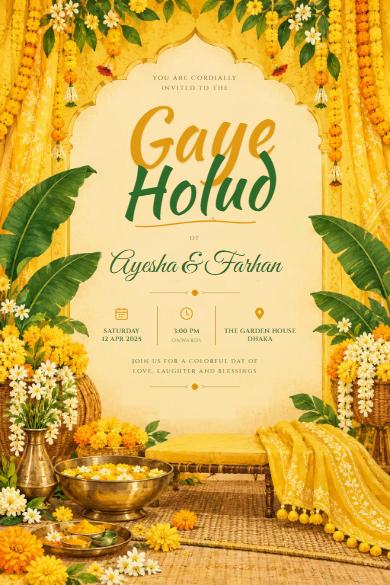
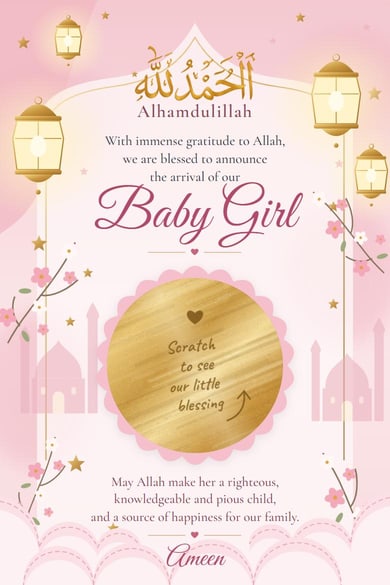
Invitation designs
Find the one that feels like you
Tap any design to make it yours, or press play to see it the way your guests will.
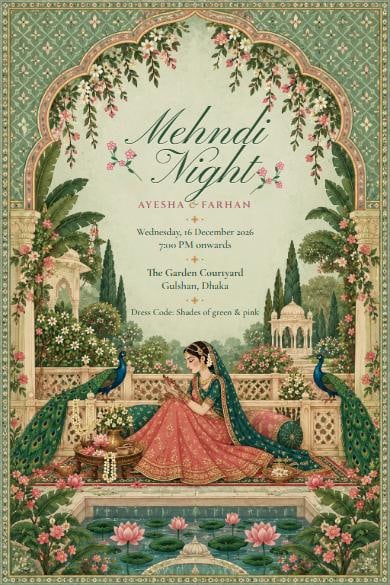 Play
Mughal Garden Mehndi
 Play
Lotus Lake Wedding
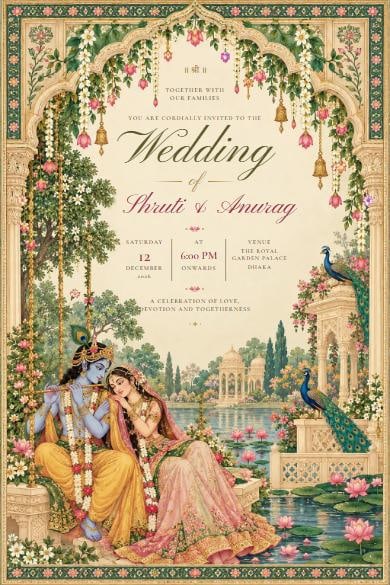 Play
Vrindavan Garden Wedding
 Play
Haldi Dance
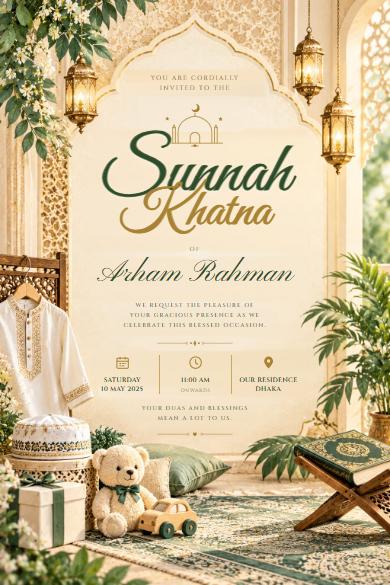 Play
Lantern Khatna
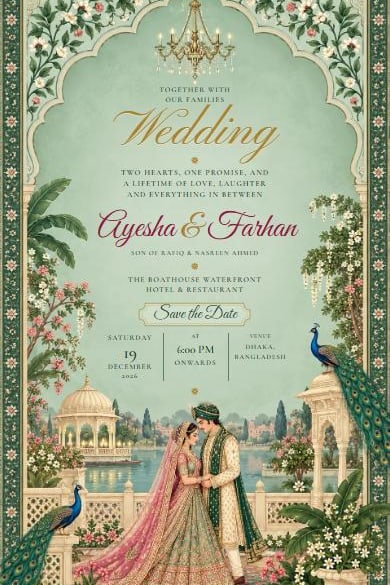 Play
Sage Garden Wedding
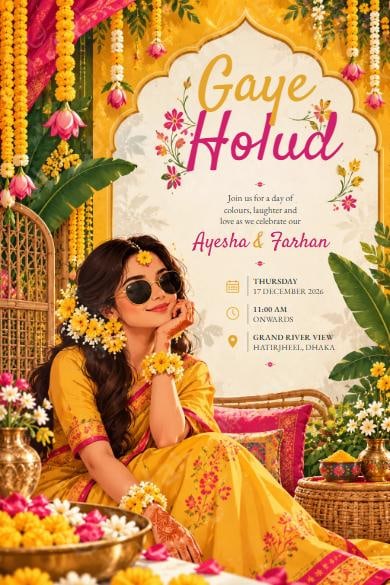 Play
Marigold Holud
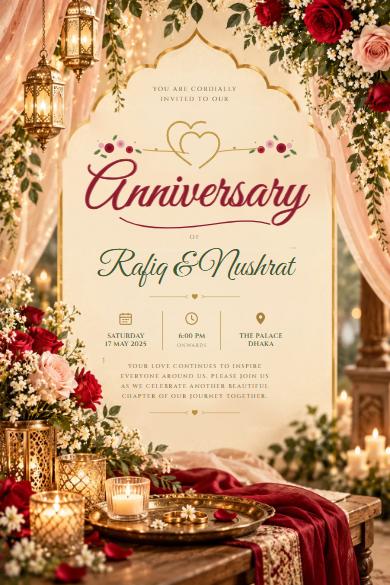 Play
Rose Anniversary
New invitation designs are on the way. See all designs →
For your guests
Easy for everyone to open
From cousins abroad to grandparents at home, your invitation works the same for all of them.
Replies on WhatsApp
Guests tap RSVP and WhatsApp opens with a ready-made message to you. No forms to fill.
Directions in one tap
The venue opens in Maps, so aunts and uncles find their way without a phone call.
Change it any time
Time or venue changed? Edit it, and everyone with the link sees the new details.
Opens on any phone
No app to install. The invitation opens straight from the link, on any phone.
Bangla or English
Designs marked বাংলা let you write every line in Bangla, and guests can switch language.
Wish List
If you like, add your wish list, so guests can find a gift idea. Completely optional.
Occasions
An invitation for every celebration
From the Nikah to the Bou Bhat, Aqiqah to Eid gatherings. One place for every invitation your family sends.
Questions
Good to know
What families usually ask before sending their first invitation.
Is it really free?
Yes. Every invitation design is free to customise, preview and share with your guests. No card, no payment.
How do I send it to my guests?
You get one link. Share it on WhatsApp, Messenger, SMS or anywhere, the same way you share a photo.
How do guests RSVP?
The invitation has an RSVP button that opens WhatsApp with a ready-made message to the contact you choose.
Can I put Holud, Nikah and Walima in one invitation?
Some designs have room for more than one event. You can also make a separate invitation for each day; each one is free.
Can I change details after sharing the link?
Yes. Edit any time and everyone with the link sees the latest version, so a time change never means sending a new card.
Do guests need to install anything?
No. The invitation opens in any phone browser straight from the link.
Ready to invite your loved ones?
Pick a design, add your details in minutes, and share one link with family near and far.
100% FREE · no payment needed